Throughout my career straddling accounting, tax law, and technology, I've noticed a recurring corporate headache: the massive disconnect between what happens on the warehouse floor and what actually shows up on the balance sheet.
We all know that a supply chain is essentially a system linking companies and organizations to deliver goods to consumers. But to make it truly efficient, we need to keep a close eye on every single stage involved, directly or indirectly, in satisfying the customer's needs. And right at the beating heart of this machine—making sure the right product is there at the right time—is Inventory Management.
The Accuracy Challenge: Way More Than Just "Counting Boxes"
From a financial and accounting standpoint, inventory is usually one of the biggest chunks of a company's current assets. Physical inventory accuracy isn't just some logistical flex; it's absolutely crucial for correctly calculating the Cost of Goods Sold (COGS), which directly affects your profit margins and tax planning.
To picture why this exactness matters, I like to use an industrial volumetric measurement analogy—where tiny details change everything. Imagine trying to precisely calculate fractional volumes in a tank: understanding that a 1/1 reading means the full 60 liters, ¾ equals 45 liters, ½ equals 30 liters, and ¼ is 15 liters. If your measuring stick is bent, your reported volume is pure fantasy. The same goes for inventory: if your counting tool is flawed, your balance sheet is basically a fairy tale.
Enter Tracker: A Tool Born Out of Pure Necessity
Watching operational teams sweat through slow, error-prone manual inventories made me want to roll up my sleeves and build a real solution. That’s how the Tracker project was born. The goal? To easily and securely connect the auditor wandering the stock aisles with the financial manager sitting at their desk.
Recently, I decided to give Tracker's architecture a major facelift. To spare everyone the nightmare of installing corporate mobile apps from app stores, I split the system into two distinct fronts:
- A heavy-duty Desktop app, tailored for the Inventory Manager to crunch data and manage auditing teams.
- A PWA (Progressive Web App) for the Field Auditor. It runs directly in the mobile browser but acts exactly like a native app, even hijacking the phone's camera to scan barcodes.
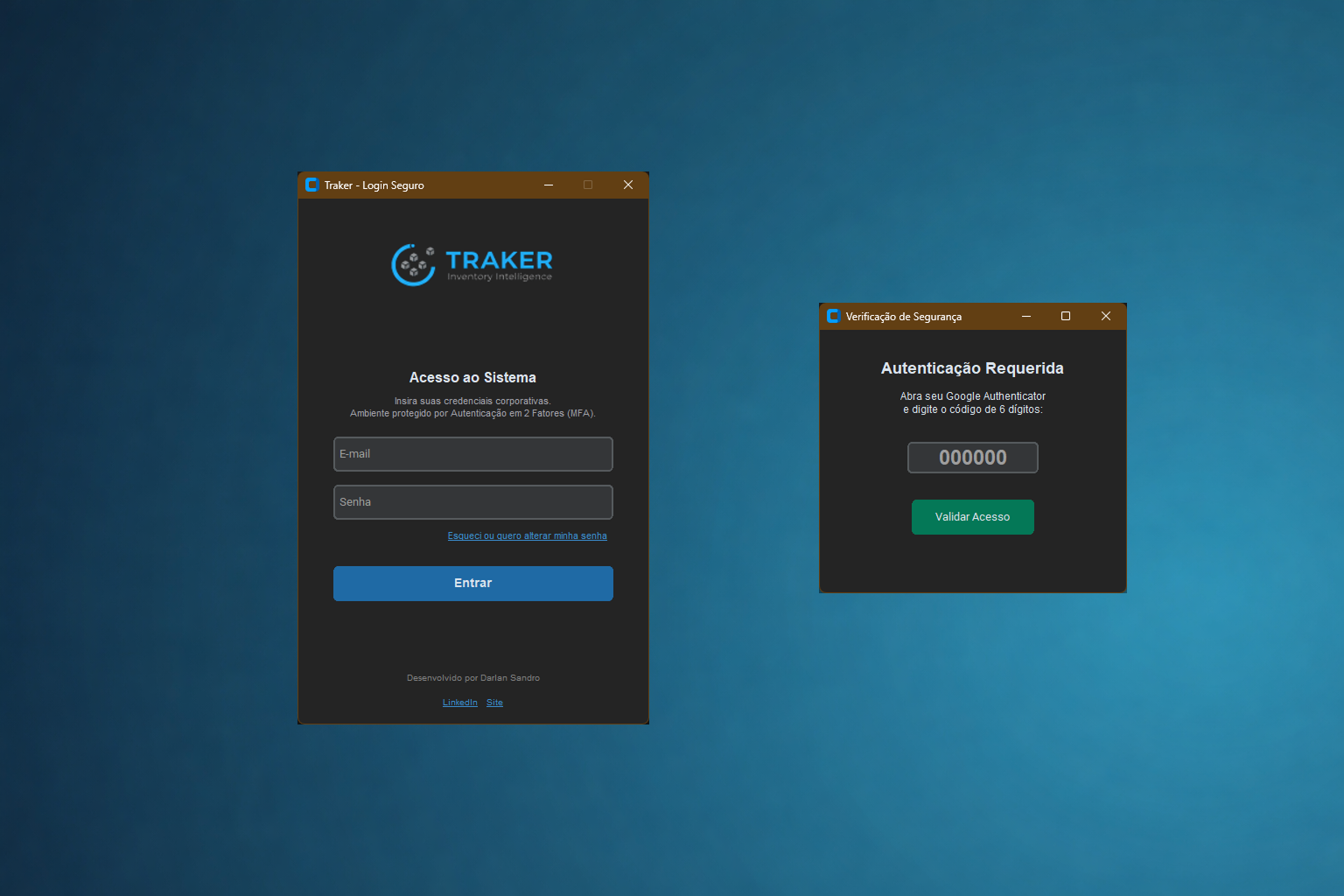
Example of the Tracker Desktop login interface, now integrated with a secure MFA authentication layer.
Under the Hood: The Tech Stack Powering Tracker
As someone deeply embedded in this field, I know data security isn't optional—especially with modern privacy laws like LGPD/GDPR. A tool working well isn't enough; it has to be a vault. That’s why I went with a mature, performance-driven, and highly secure tech stack.
1. Cloud & Security: PostgreSQL and Supabase (RLS)
For the cloud backend, I chose Supabase (powered by PostgreSQL). The absolute game-changer here was
ripping passwords out of the standard database and locking them inside a native, encrypted "Vault"
(auth.users). I also implemented Row Level Security (RLS)—basically a virtual
bouncer that ensures users only see or edit data if they have the right VIP wristband.
-- 1. Dropping the password column (because storing plain text passwords is a crime against compliance)
ALTER TABLE cliente_dht_tintas.usuarios DROP COLUMN IF EXISTS "Senha";

-- 2. Linking our table to the Supabase authentication vault
ALTER TABLE cliente_dht_tintas.usuarios
ADD COLUMN IF NOT EXISTS id_auth UUID REFERENCES auth.users(id) ON DELETE CASCADE;

-- 3. Setting up the RLS Policy (The virtual bouncer)
CREATE POLICY "Read count items"
ON cliente_dht_tintas.itens_contagem
AS PERMISSIVE FOR SELECT
TO authenticated -- Doors only open for valid JWT token holders
USING (true);
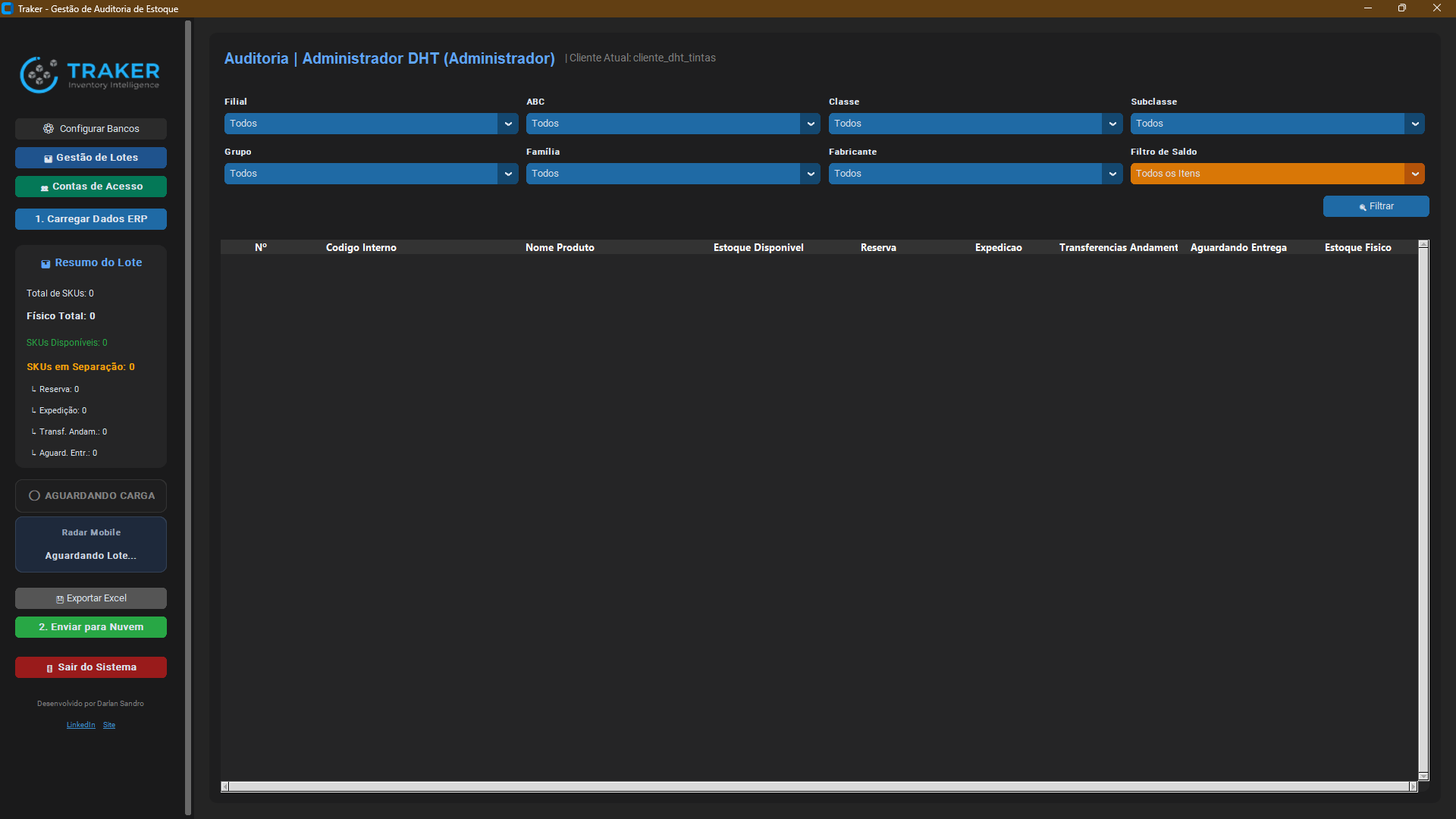
The configuration panel where I define Row Level Security (RLS) policies to bulletproof the tables.
2. The Management Engine: Python on the Desktop
For the manager's system, Python was a no-brainer, thanks to its unmatched data
manipulation powers (shoutout to the pandas library). The Desktop app hooks into the local
ERP database, consolidates discrepancies, and syncs everything securely to the cloud via REST API.
import requests
import pandas as pd
from sqlalchemy import text

def validate_cloud_login(email, password, db_engine, schema):
    """ Validates credentials in the Supabase vault and returns user data """

    # 1. Secure POST request to the Auth module (Vault Validation)
    auth_url = f"{SUPABASE_URL}/auth/v1/token?grant_type=password"
    headers = {"apikey": SUPABASE_ANON_KEY, "Content-Type": "application/json"}
    payload = {"email": email, "password": password}

    resp = requests.post(auth_url, headers=headers, json=payload)
    if not resp.ok:
        return False, "Invalid credentials."

    # 2. If the door opens, fetch the complementary profile from the database
    query = text(f'SELECT "Nome_Completo", "Perfil" FROM {schema}.usuarios WHERE "Login" = :email')
    with db_engine.connect() as connection:
        df_user = pd.read_sql(query, con=connection, params={"email": email})

    if not df_user.empty:
        return True, df_user.iloc[0].to_dict()

    return False, "User not found."
3. Mobility and Speed: PWA and Modular JavaScript
The real magic on the warehouse floor happens via the PWA. Built with plain HTML, CSS, and Vanilla JS, the Auditor accesses the system straight from their mobile browser. I integrated the official Supabase SDK on the front-end, letting the session token automatically juggle permissions and block nasty XSS injection attempts.
// Supabase client instance on the Front-end
const db = supabase.createClient(SUPABASE_URL, SUPABASE_KEY);

async function doMobileLogin(email, password, client_schema) {
  try {
    // 1. The SDK securely knocks on the password vault
    const { data: authData, error: authError } = await db.auth.signInWithPassword({
      email: email,
      password: password,
    });

    if (authError) throw new Error('Access denied');

    // 2. Fetch branch data for the authenticated user
    const { data: userData, error: userError } = await db.schema(client_schema)
      .from('usuarios')
      .select('Nome_Completo, Filial_Acesso')
      .eq('Login', email);

    if (userData && userData.length > 0) {
       launchDashboard(userData[0]); // Unlocks the batch counting screen
    }
  } catch (error) {
    console.error("Login attempt failed:", error.message);
  }
}
Final Thoughts and Next Steps
Building Tracker has been a massive (and fun) learning curve. Realizing that technology is just a means to an end—not the end itself—helps us build tools that actually make people's daily lives easier. By slashing manual errors and ditching clipboards and paper, the finance department finally gets data they can actually trust.
I’m thrilled to share a piece of this architecture with you all. If you’re a manager, accountant, or dev who wants to see this in action and level up your supply chain game, feel free to test drive the Desktop version: